Add egress dimensions at bedroom windows
Owner: DesignHigh confidenceCL-2024-0917 ¶4
PlanSift turns scattered permit materials into a source-linked readiness view, so teams can catch missing pieces, zoning questions, and correction risks before review slows down.
AI-assisted. Source-linked. Human-led. PlanSift never approves permits or replaces official review.
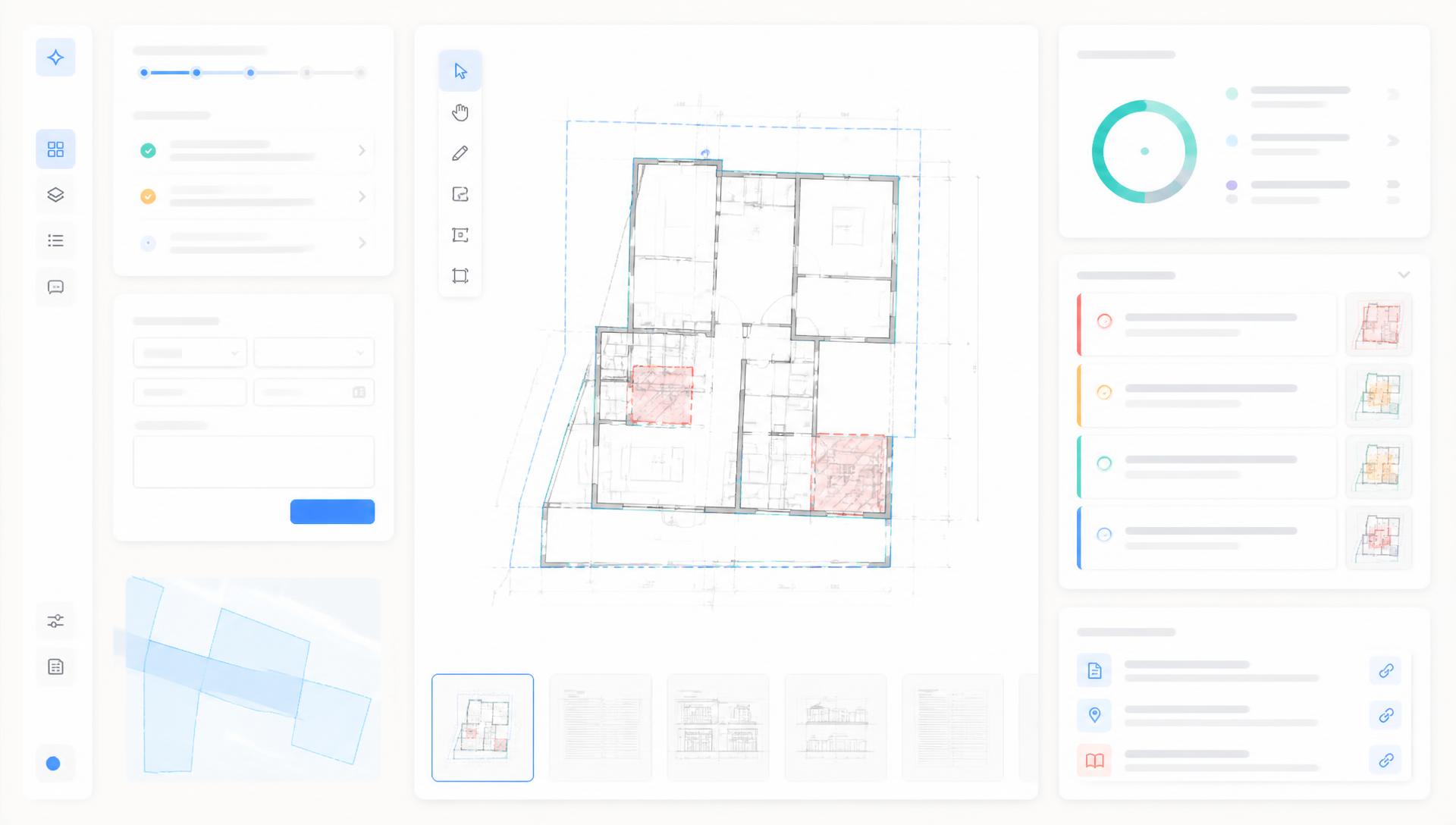
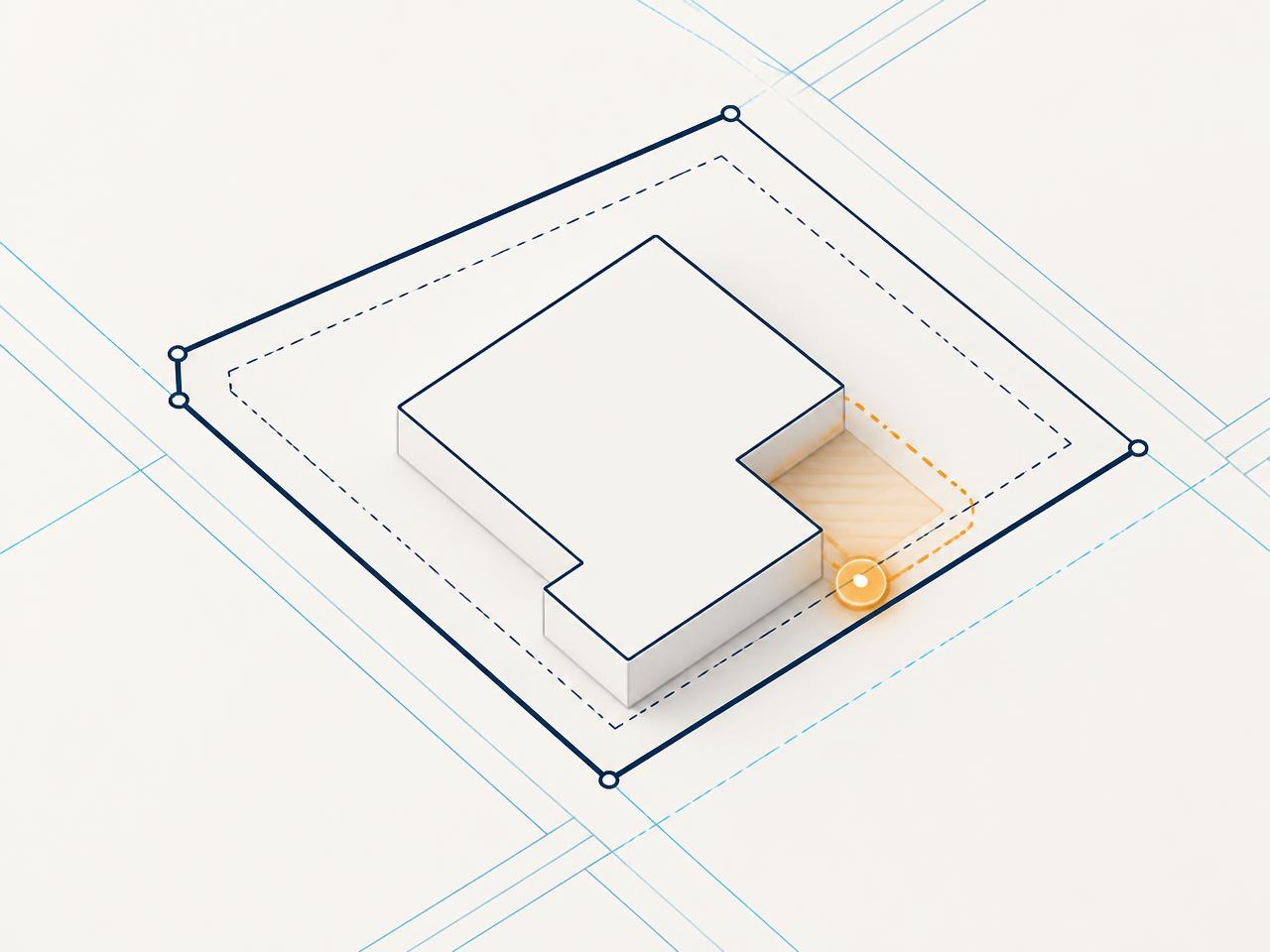
Rear setback shown at 4'-0"; district minimum reads 5'-0". Confirm with planning.
§ 17.24.050"Provide egress dimensions at bedroom windows." Translated to 2 action items.
CL-2024-0917Source trail: Sheet A2.1 · Form B-12 · Correction note
The signals are already in the drawings, the forms, and the last correction letter. They are just spread across files nobody has time to reconcile.
A required affidavit or energy form is absent — and nobody notices until intake sends the packet back.
Setbacks, coverage, and use notes drift between the drawings and the district text with no clear reference.
A dense correction letter arrives, and the team spends days deciding what it means and who owns each fix.
Plan sift
PlanSift reads the packet sheet by sheet and lifts each observation into a flag that points back to where it came from — the sheet, the form field, or the line in the checklist.

Correction notes
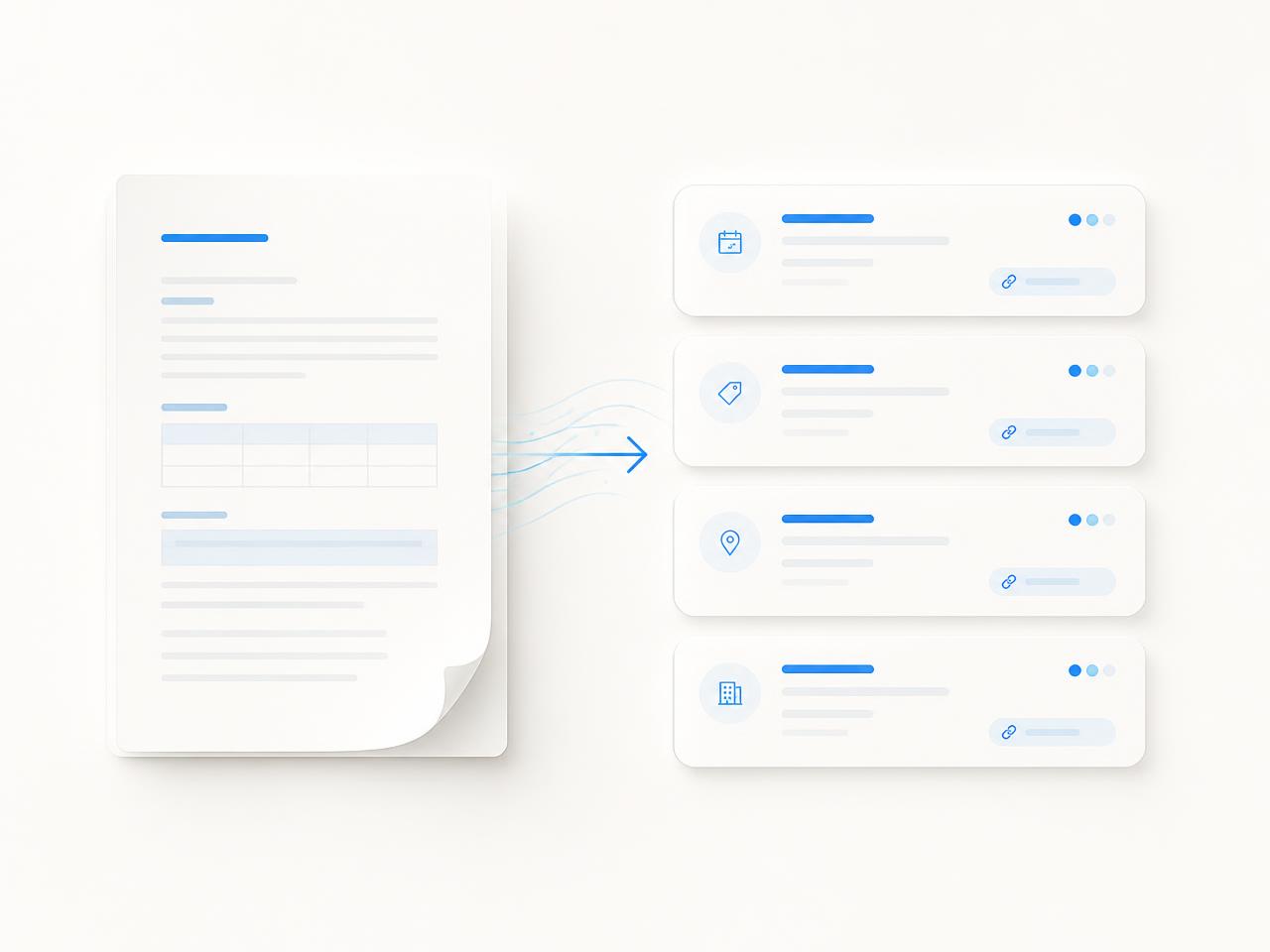
Paste or upload the correction letter. PlanSift separates each comment, restates it in plain language, links it to the paragraph it came from, and leaves the assignment and the decision to your team.
Add egress dimensions at bedroom windows
Provide roofing spec sheet for material change
Clarify existing tree callouts on site plan
The score is a preparation signal, not a verdict. Every point comes from a check you can open, and a professional still reviews the result.
Packet readiness
78/ 100
Requires professional review. PlanSift does not approve permits or guarantee compliance.
Data basis
Scores are computed from the documents you upload and the checklist selected for the permit type. Nothing is inferred from outside records.
Zoning context
PlanSift surfaces the zoning points worth confirming and shows the reference it read them from — so your team can ask the right question of the right authority.
Rear setback shown at 4'-0"; district text reads 5'-0" minimum.
Lot coverage calculation not shown on the site plan.
Accessory structure height may need a separate note.
Reference only. Verify every zoning question with the official determination from the authority having jurisdiction.
PlanSift prepares and organizes materials for the people doing the review. It makes no approval decisions and holds no official standing.
Ordered, named, and cross-referenced
What is present, what is still open
Each flag linked to its source
What changed since the last cycle
PlanSift is not a government portal and does not approve permits. Review teams keep every decision.
Trust
PlanSift is built to be checkable. If you cannot trace a signal back to the packet, it does not belong in your submission.
91%
First-attempt municipal intake pass rate across representative tracked workflows.
100%
Human sign-off before submission. PlanSift prepares readiness signals for human review.
Every flag links to the sheet, form field, or paragraph it came from.
Each AI-assisted reading carries a confidence level you can weigh.
Nothing is submitted or resolved without a person deciding it.
PlanSift is an independent tool with no official standing.

Start at $29/mo for one workspace, scale to multi-office review workflows when you're ready.
Solo lane
Solo applicants, small contractors, and one-project teams
$29/mo
Team lane
Architects, contractors, and permit expediters working as a team
$99/mo
Studio lane
Studios and developers running many packets across projects
$249/mo
Network lane
Review teams, multi-office organizations, and integration-led rollouts
Customfrom $799/mo
Need something different? Compare plans or talk to sales.
Sift the materials, resolve the flags, and submit with a source-linked view of what is ready — and what still needs a person to decide.